A logbook designed around your residency.
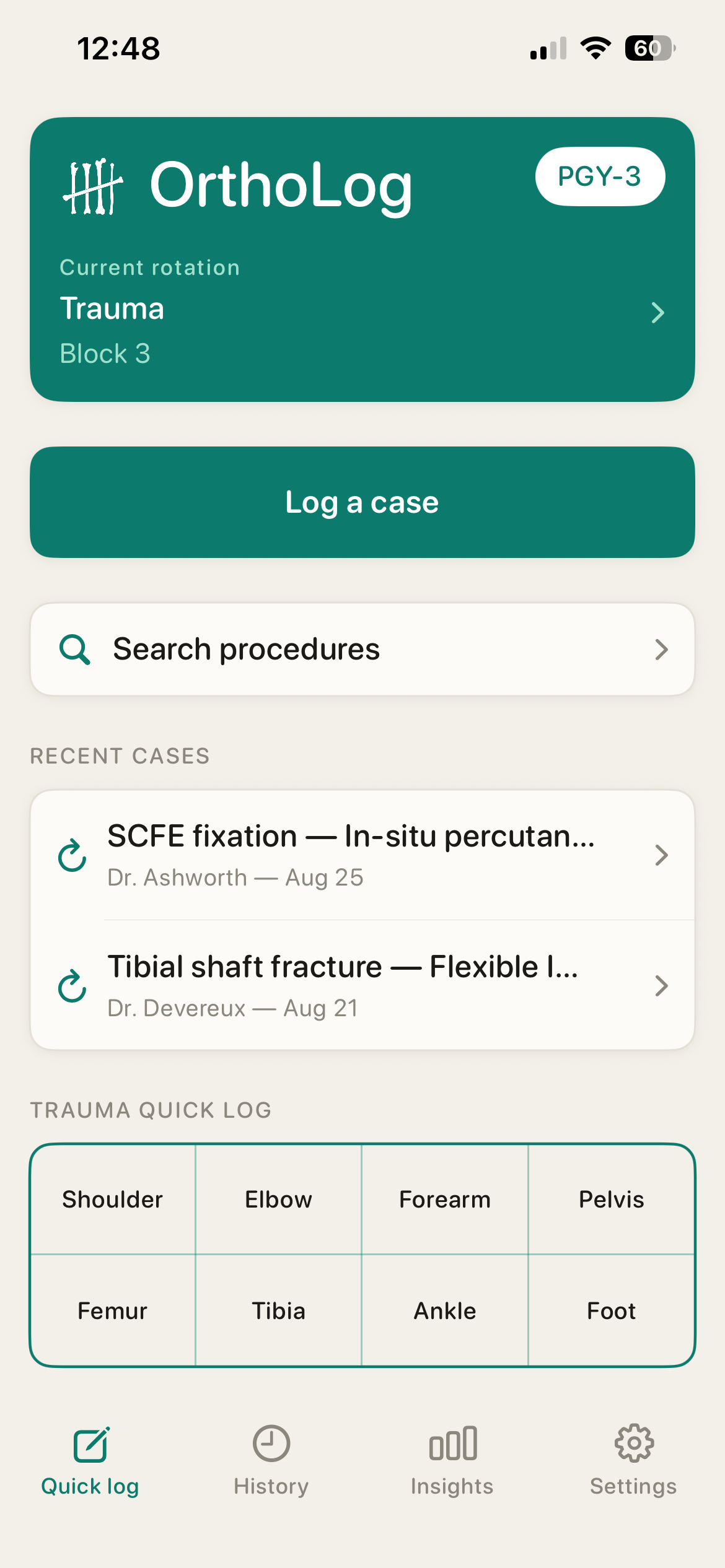
Log cases in seconds while you are still on service. Keep the operative details, images and notes you will want when review time comes.
Fully offline. No third-party cloud.
Your case log is stored on your iPhone and syncs through your private iCloud account. There is no OrthoLog account, advertising or tracking.
Read the full privacy policyHow logging works.
-
01
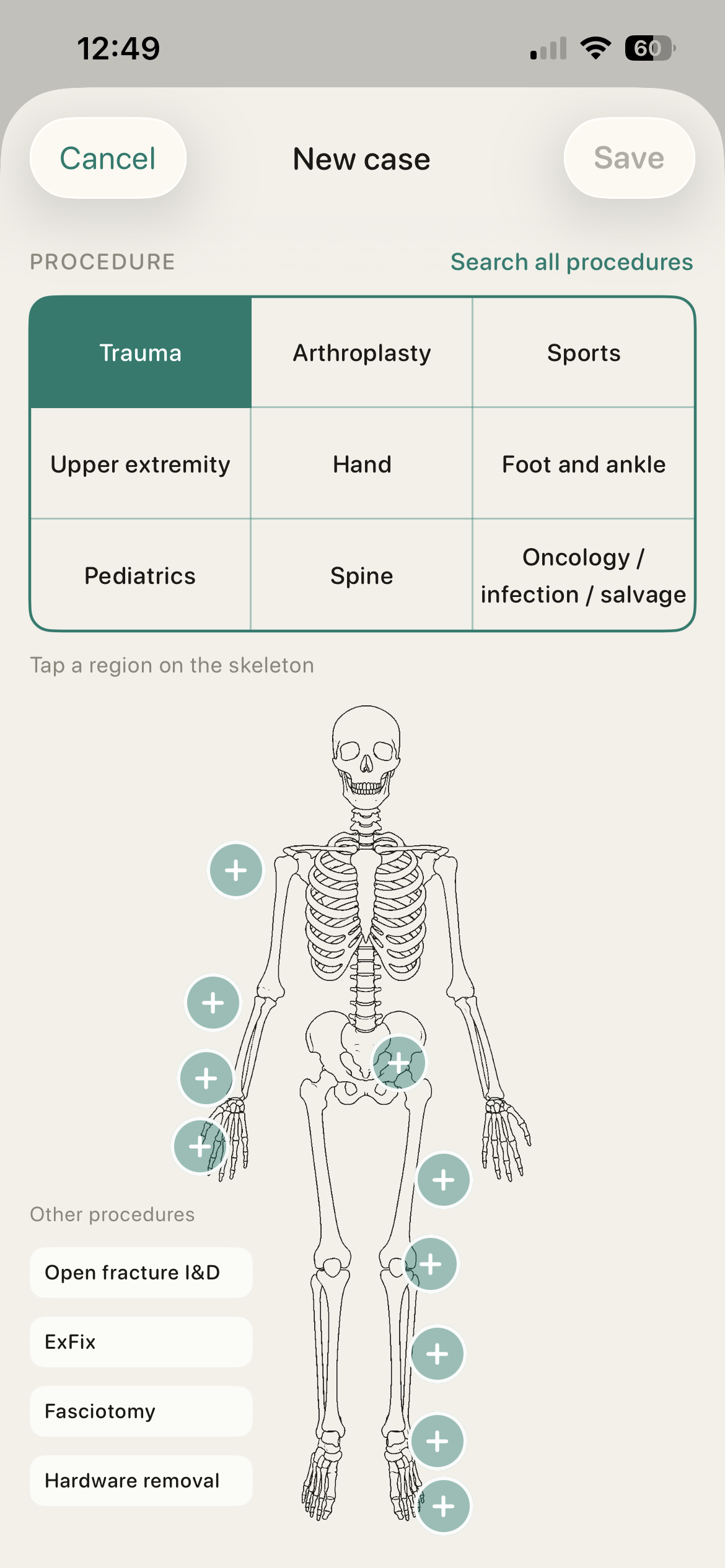
Choose a procedure
Search the orthopedic catalog or tap an anatomic region.
-
02
Add the fields that apply
Record your involvement, approach, technique, graft, components and any other details specific to that procedure.
-
03
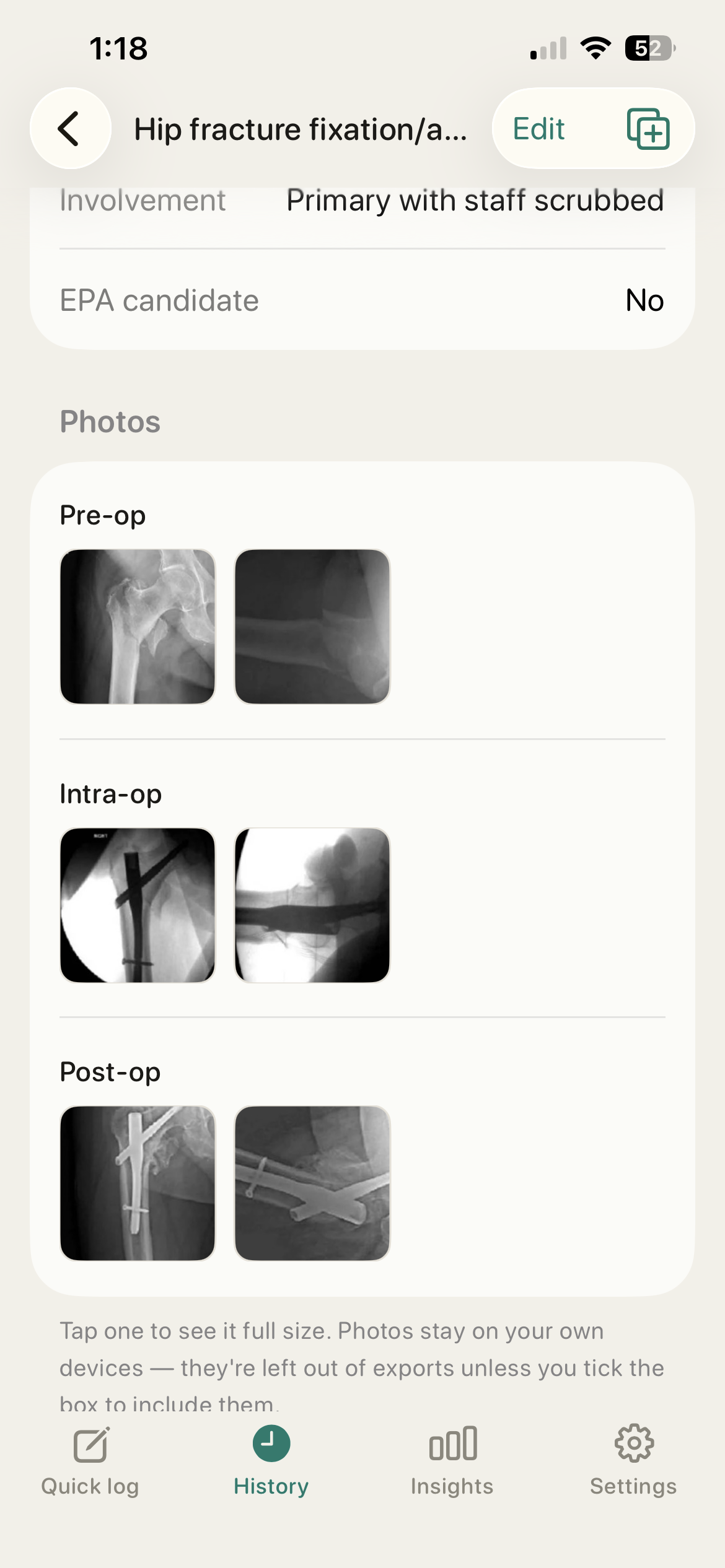
Add images and notes
Attach pre-op, intra-op and post-op images, each with a note about what happened.
-
04
Save the case
The case stays searchable by date, rotation, site, surgeon and subspecialty.
-
05
Export when you need it
Create a spreadsheet for review or an offline case book with images.
Bring your existing casebook.
If your current casebook is a spreadsheet, import it into OrthoLog.